
Desktop & All-in-One Repair & Service
Acer Aspire, Veriton and All-in-One repair support.
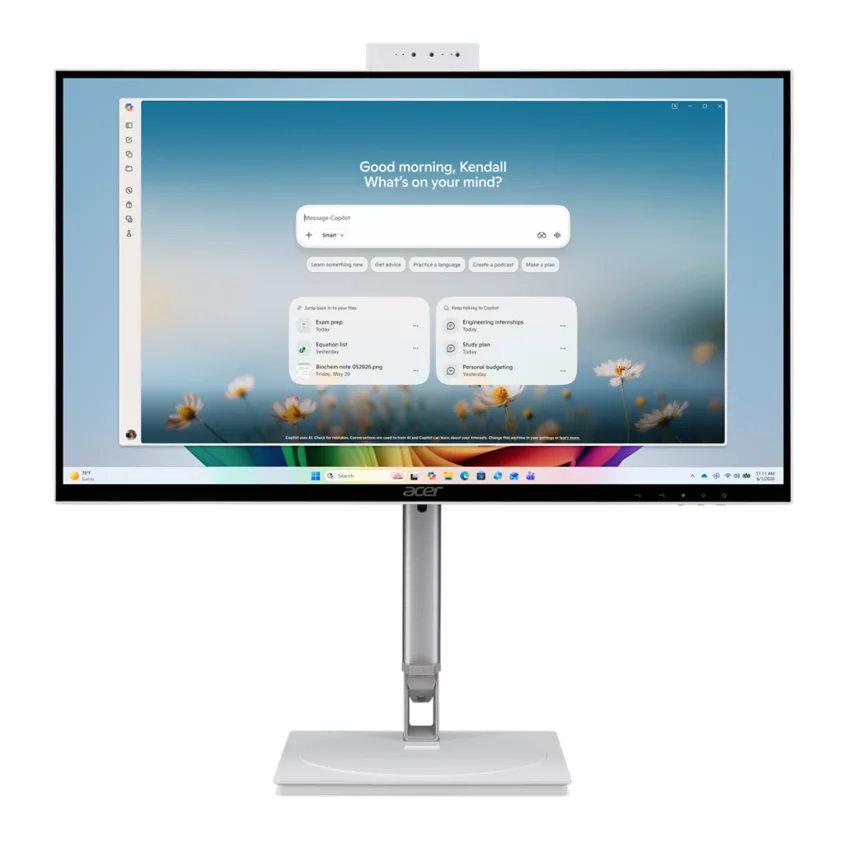

Start with the right checks.
Power supply, memory, storage, display and startup checks help identify the cause of no display, restarts and slow performance. All-in-One display and power parts are model specific.
Describe whether the unit shows power indicators, fan activity or an error message.
Book an assessment ↗Before you hand over your device
Diagnosis comes before a repair estimate. Compatible parts, turnaround and warranty terms are explained for the approved work. This service does not imply manufacturer warranty coverage.
Store visit or local pickup
Choose Andheri, Thane, Dadar or Vashi. Sunday store visits are available at Andheri and Thane from 11 AM to 6 PM; pickups operate Monday–Saturday.
Useful before you book.
LaptopMy Acer laptop does not turn on. What should I check?+
Check that the wall socket works and the correct power adapter is firmly connected. Disconnect non-essential external devices. Note whether any power or charging indicator appears. If there is still no response, bring the laptop and adapter for diagnosis; the battery, charging circuit or motherboard may need inspection.
DisplayThe power light is on, but the screen is black. Is the screen faulty?+
A black screen can come from the display panel, cable, memory, graphics or a boot problem. If an available external monitor works, that helps narrow the diagnosis but does not confirm the failed part. Share whether the Acer startup screen appears and whether the issue began after an update.
BatteryWhy does the battery stop charging at 60% or 80%?+
Some Acer models use a battery-care charging limit set in MyAcer or a supported battery-health utility. Check whether a charge limit is enabled before assuming the battery is defective. Available settings vary by model. If charging is erratic or the battery is not detected, arrange an inspection.
More life for your Acer.
Visit a service centre or arrange a pickup at a time that works for you.